

Why Every Driver Needs an In-Car Dash Camera in 2026
Jul 07, 2026
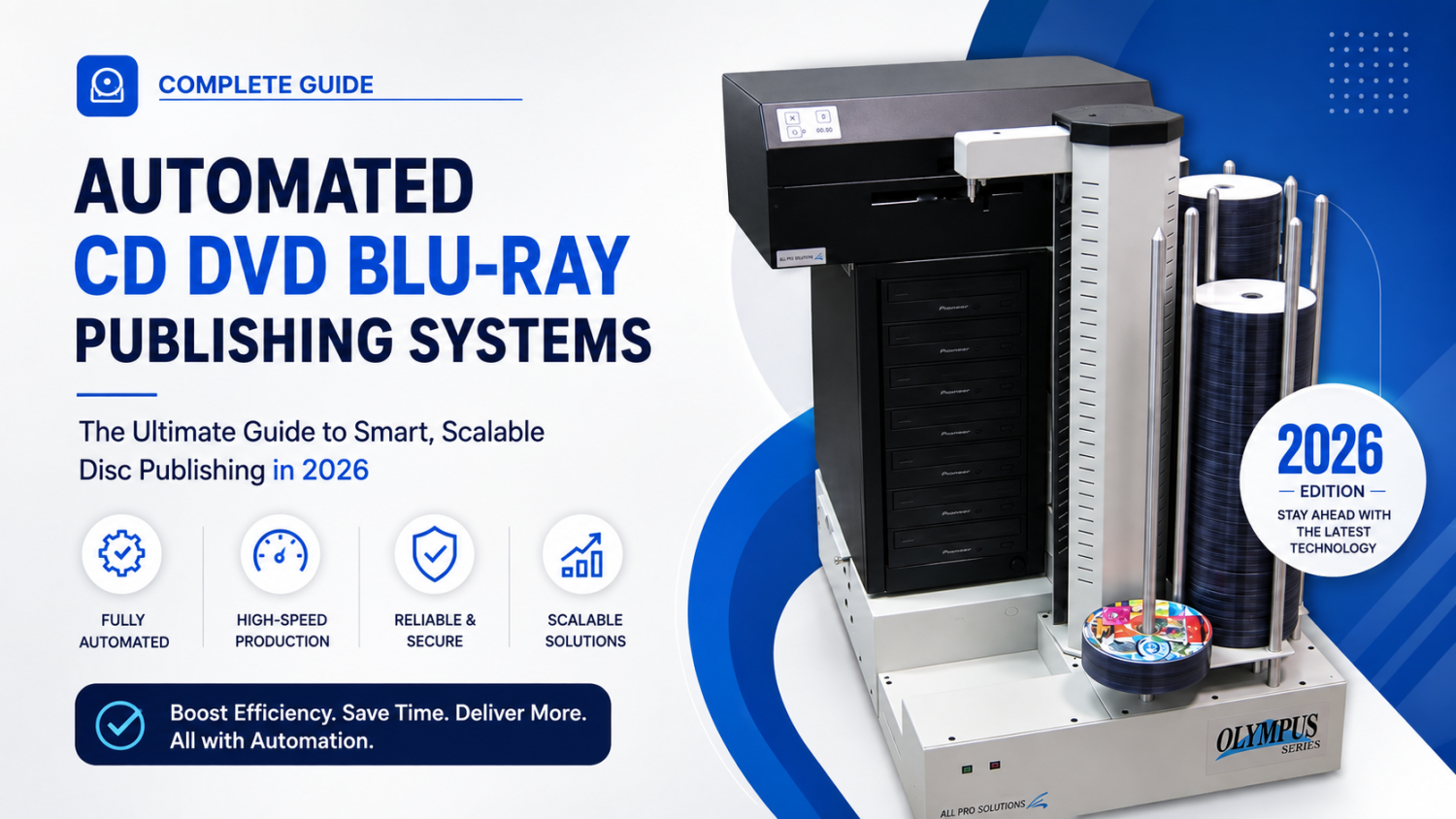
In the computer and internet age, secure and undisturbed storage of data is a necessity, particularly among commercial companies, medical facilities, and government agencies dealing with volumes of valuable information. One proven data archiving process for the long term is archiving using an automated CD, DVD, or Blu-Ray disc archiving system. Such systems offer a headache-free, tamper-proof process of writing, checking, and storing data onto physical media in the long term.
But how do you select the ideal system for your needs? Here's a comprehensive guide to assist you in making the correct decision.
Why Automated Disc Archiving Systems Are Important?
Regardless of whether you must store medical information, legal documents, surveillance reports, or scientific studies, optical media is one of the most secure and tamper-evident media for storage. Computer systems render the whole process—from disc burning to labeling and storage—machine error-free and convenient.
Functions to Search for in a Disc Archiving System
1. Multi-Format Capability
Search for systems that accommodate all popular disc formats:
CD
DVD
Blu-Ray (particularly relevant to high-capacity requirements)
Make sure that the system has the capability of handling rewritable and write-once media, depending on your archiving strategy.
2. High Storage Capacity
Blu-Ray discs come with a potential storage capacity of up to 100GB or more per disc using BDXL support. For companies or government institutions, having a high-capacity Blu-Ray backup system provides expandable storage without requiring frequent disc swap-out.
3. Robotic Automation
The good system contains robotic arms that operate to:
Pick and relocate discs
Insert them in burners
Print personalized labels
Automation allows 24/7 operation with minimal human supervision.
4. Integrated Label Printing
Look for systems with built-in disc publishing and integrated thermal or inkjet label printers. Clear labeling allows for easy retrieval of data and eliminates misfiled discs.
5. Strong Software & Integration
Your system should include professional archiving software that supports:
File verification
Secure encryption
Indexing and cataloging
Integration with existing software or servers
Smooth integration with medical PACS, legal databases, or government IT infrastructure is a bonus.
6. Data Security & Permanence
Optical media, particularly archive-grade Blu-Ray discs, provides 50+ years of data integrity. When combined with encryption products, such systems provide unparalleled data security against tampering, deletion, or ransomware attacks.
Final Checklist Before Buying
Supports CD/DVD/Blu-Ray media types
Offers high-capacity media handling
Includes automatic robotics and label printing
Has secure archiving software incorporated
Can integrate with your current IT infrastructure
Backed by guaranteed tech support and warranty
Conclusion
Choosing the right automated CD DVD Blu-Ray disc archiving system involves investing in security, efficiency, and long-term peace of mind. Whether archiving sensitive medical data, financial data, or high-definition video, optical archiving is always a wise and reliable choice.
Take the time to assess your volume of data, your automation needs, and your budget—and choose a system that's built to grow with your company.
